Key Takeaways
Choosing the right communication tool is vital for your site’s success. Here are the core insights you need to know for selecting a chat solution.
- Instant chat significantly improves user retention.
- Prioritise plugins that offer mobile-friendly interfaces.
- Performance matters as much as feature set.
- Automation helps manage high volumes of inquiries.
- Compliance and security remain non-negotiable for trust.
Understanding the benefits of live chat software
Integrating a live communication channel directly into your website allows you to connect with visitors exactly when they need assistance. By providing immediate replies, you reduce bounce rates and create a welcoming environment for prospective clients. Incorporating a well-selected wordpress help chat plugin transforms a static page into an interactive space that drives better user outcomes.
Improving customer response times
Speed is frequently the differentiating factor between a completed sale and a visitor leaving. Live tools allow your team to address concerns in seconds rather than waiting for email cycles to resolve.
Boosting conversion rates through real-time engagement
By engaging with visitors while they browse, you can address hesitations before they turn into abandoned carts. Real-time interaction helps guide shoppers toward decisions, acting similarly to the best WordPress chat plugins that experts suggest for modern stores.
Gathering valuable customer feedback and insights
Every conversation provides a window into what your audience wants and where they might be feeling frustrated. Analysing chat history helps refine your services and ensures your WordPress maintenance plan continues to meet actual user needs.
Establishing trust with potential customers
Accessibility is a strong signal of reliability. When visitors see a chat window readily available, they feel more comfortable knowing that human support is just a click away.
Essential features to look for in a WordPress help chat plugin
Selecting a tool involves looking beyond the basic window display to ensure it fits your technical and design needs. For those aiming to boost engagement and satisfaction, identifying the right balance of customization and utility is key.
Customisation options for brand consistency
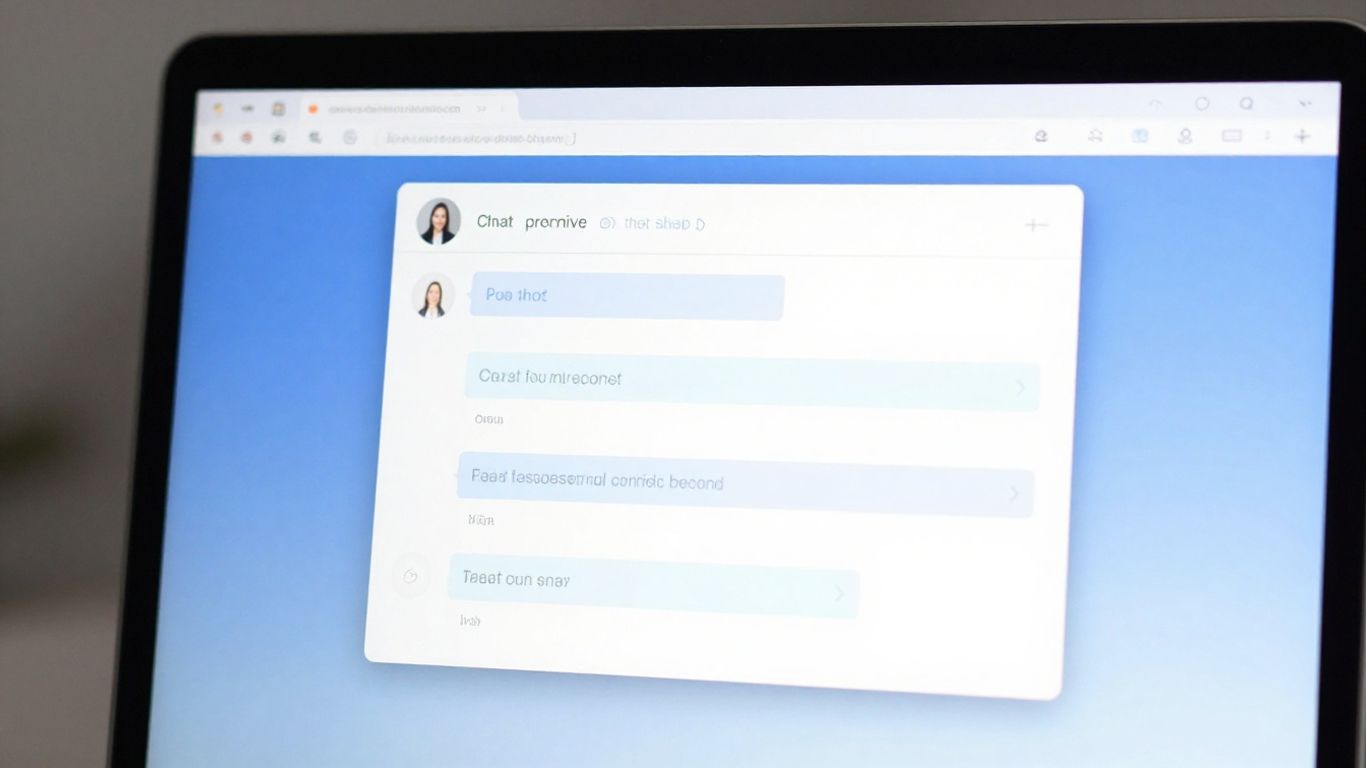
Your chat interface should mirror your site’s aesthetic, maintaining a unified visual language. Consistent branding helps customers feel they are interacting directly with your company rather than a generic third-party service.
Integration capabilities with CRM and ticketing systems
Data should flow seamlessly into your existing management platforms to ensure context isn’t lost between sessions. When a user asks a question, your team needs immediate access to their history to avoid redundant troubleshooting.
Mobile responsiveness for on-the-go support
Many of your visitors will reach out from their smartphones or tablets. A truly capable chat solution ensures the widget scales gracefully, providing an intuitive experience regardless of screen resolution.
Automated responses and chatbot capabilities
Automation acts as a first line of defense, handling routine queries while freeing up humans to manage complex issues. This efficiency allows small teams to maintain high quality service standards without burning out.
Evaluating performance and site speed impact
A common pitfall is installing bloated tools that degrade your page load times. Since search rankings often depend on speed, it is worthwhile to use performance-focused chat software that keeps your core metrics healthy.
Asynchronous loading techniques for plugins
Loading the chat script only after the main content has rendered prevents the widget from blocking your primary site assets. This technical approach keeps your page lightweight and responsive to user interaction.
Measuring the impact on Google Core Web Vitals
Monitoring your metrics before and after installation shows if the plugin creates layout shifts or excessive main-thread work. Keeping tabs on these values ensures that your site stays fast for all legitimate users.
Avoiding feature bloat that slows down page renders
Many plugins offer dozens of unnecessary additions that never get used, which only serve to drag down the page performance. Selecting a lean, focused tool helps preserve your site metrics.
Choosing lightweight codebases over heavy frameworks
Opting for a plugin built with clean, modular code prevents the accidental inclusion of libraries you don’t require. Proper selection helps when you need to reach WordPress.com support or troubleshoot speed issues later.
| Feature | Essential | Recommended | Optional |
|---|---|---|---|
| Mobile Mode | Yes | Required | – |
| CRM Link | Yes | High | – |
| AI Bot | – | – | Yes |
| Custom CSS | Yes | Required | – |
Step-by-step setup and configuration
Properly configuring your chat tool ensures it adds value without becoming an annoyance. Taking the time to dial in settings will make your site operations run much smoother in the long term.
Selecting and installing the plugin via the dashboard
Begin by browsing the repository through your WordPress admin area, selecting a plugin that has clear update cycles. Once active, the configuration process should feel intuitive and straightforward.
Configuring notification settings for support agents
Agents need to know exactly when a message arrives without being overwhelmed by constant alerts. You should establish a clear notification flow including:
- Browser notifications for active administrators
- Email alerts for missed messages
- Desktop sound alerts for core work hours
- Slack integration for team communication
Setting up proactive chat triggers for visitors
Timing your greeting correctly can be the difference between helpful service and an intrusive pop-up. Set triggers to activate only after a user spends a specific amount of time on a high-value landing page.
Testing the chat interface across different browsers
Verify that the interaction works perfectly on Chrome, Safari, and Firefox. Cross-browser validation confirms that no styling bugs exist for your diverse visitor base.
Strategies for providing effective live support
Having the software is only part of the solution; how your team interacts with the visitors determines the level of satisfaction. Clear guidelines define how you reach your support goals consistently.
Establishing standard operating procedures for agents
Standardising your responses helps keep the tone consistent and professional across different shifts. When agents know the approved procedures, they can act faster and more confidently.
Managing multiple chat windows efficiently
Experienced agents often handle several threads simultaneously, which requires focused attention and strong organisational skills. Good software allows agents to switch contexts without losing data or message history.
Balancing automated bots with human interaction
Bots perform best when handling routine tasks but should pass off to humans the moment a complex emotional or technical problem arises. This balance creates a safety net for your visitors.
Measuring support team performance with KPIs
Track metrics like average wait time and resolution time to identify where your team is excelling. These insights allow you to adjust your internal processes to better serve the user base over time.
Security and compliance considerations
Data privacy is a major concern when handling communication logs. Ensuring your setup respects international laws protects both your company and the site visitors.
Ensuring GDPR compliance for data privacy
Transparent communication regarding how user data is collected and stored is mandatory for any modern plugin. Your chosen tool must provide clear mechanisms for privacy management.
Protecting chat logs from unauthorised access
Logs often contain sensitive personal information that requires rigorous encryption and strict access controls. Limit account privileges to include only the necessary staff, keeping your backend secure.
Evaluating the data storage practices of plugin vendors
Check if the vendor stores data on local servers or globally distributed networks. Knowing where and how long your information is kept is crucial for your internal compliance audits.
Managing user consent for chat sessions
Always provide an obvious way for users to provide consent before starting a chat. Using a simple checkbox or explicit prompt satisfies regulations while keeping the process smooth.
Conclusion
Implementing a WordPress help chat plugin is a practical way to improve your site’s functionality while providing genuine value to your visitors. By focusing on speed, clear communication strategies, and data security, you turn a simple contact method into a core asset for your business growth. Staying mindful of performance and user experience throughout the setup process will keep your site running effectively as you scale your support operations.
Frequently Asked Questions
Does adding a live chat plugin affect my site’s SEO ranking?
If the plugin is poorly coded and slows down your page load, it can negatively impact your search metrics. However, choosing a lightweight, asynchronously loading plugin will keep your performance impacts to a minimum.
Can I use a live chat plugin on a small personal blog?
Yes, many plugins provide free versions that are perfectly suitable for lower-traffic sites. They are a great way to start building a connection with your readers without incurring monthly costs.
How often should developers update these chat plugins?
You should check for updates regularly to ensure you have the latest performance patches and security fixes. Staying on top of updates is an easy way to protect your site against vulnerabilities.
Will professional support teams still be necessary with AI tools?
AI is excellent for handling simple, repetitive queries, but human support is still crucial for complex or sensitive issues that require empathy and advanced problem-solving. A hybrid approach remains the most effective choice.
Are there specific privacy laws that affect chat widgets?
Yes, regulations like the GDPR often require you to inform users about data collection and provide options for consent. Ensure your chosen plugin offers built-in features to help you comply with these standards.
Can I style the chat box to match my website’s colors?
Most modern chat plugins provide customisation settings in the admin dashboard, allowing you to match the widget’s font, colors, and positioning to your existing theme.
What should I do if my chat plugin causes a layout shift?
This is usually due to the chat container loading too quickly or being poorly positioned. Adjusting the loading priority or moving the widget placement in your settings can often resolve this issue without technical intervention.