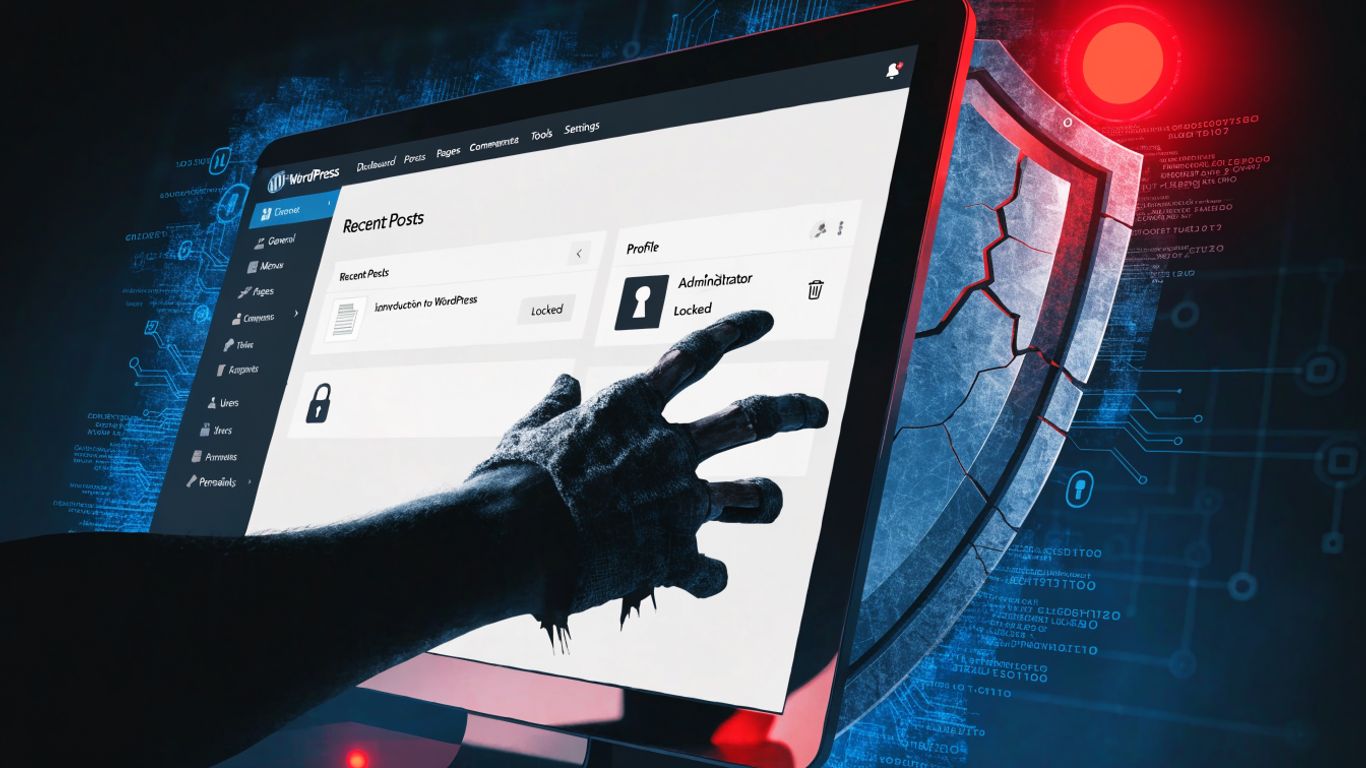
A critical flaw in the Frontegg SAML SSO plugin for WordPress could let an unauthenticated attacker impersonate users, including administrators. Reports say every version up to and including 1.0.1 is affected, with no fix available. Site owners using the plugin should remove it and check for suspicious account changes or activity.
Key takeaways
The reported vulnerability, CVE-2026-75800, has a CVSS severity score of 9.8. The plugin reportedly accepts SAML login responses without checking their digital signatures or validating who issued them, undermining the authentication process.
- Unauthenticated attackers may be able to impersonate existing users, including administrators.
- The plugin’s account auto-provisioning may also allow unauthorised accounts to be created.
- Reports say no patched version is available; removal is the recommended immediate response.
- Review site accounts and activity from the period when the plugin was active.
How the flaw could enable account takeover
SAML lets a website rely on an identity provider to confirm a user’s identity. That trust depends on validating the response: the site needs to check that it came from the expected issuer and that its signature is genuine. Reports say the Frontegg plugin does not perform those checks, potentially allowing a forged response to be accepted as a valid login.
If accepted, a forged assertion could be used to impersonate an existing account, including one with administrator privileges. The plugin’s auto-provisioning feature may provide another route for creating accounts that could support continued unauthorised access.
Who is affected and what is known
The vulnerability is identified as CVE-2026-75800 and rated critical, with a CVSS score of 9.8. The reported affected range is all plugin versions up to and including 1.0.1. The plugin was reportedly removed from the WordPress.org repository on 4 September 2026, and reports citing the National Vulnerability Database say no remedial release was available as of 11 September 2026.
The reports state that there was no confirmed exploitation or public proof of concept at the time. That does not remove the risk: an authentication bypass can leave a site exposed even before attacks are publicly documented.
What WordPress site owners should do
If your site uses the plugin, remove it rather than waiting for a patch. Then review the user list for unfamiliar accounts and unexpected changes, especially accounts created or modified while the plugin was installed. Check administrator access and recent site activity, and investigate anything you cannot account for.
This incident is a reminder that a WordPress maintenance plan should cover more than routine updates. A good WordPress care plan can help site owners keep track of installed plugins, review security issues and respond promptly when a component has no safe upgrade. For this flaw, however, monitoring is not a substitute for removing the vulnerable plugin and auditing the site.