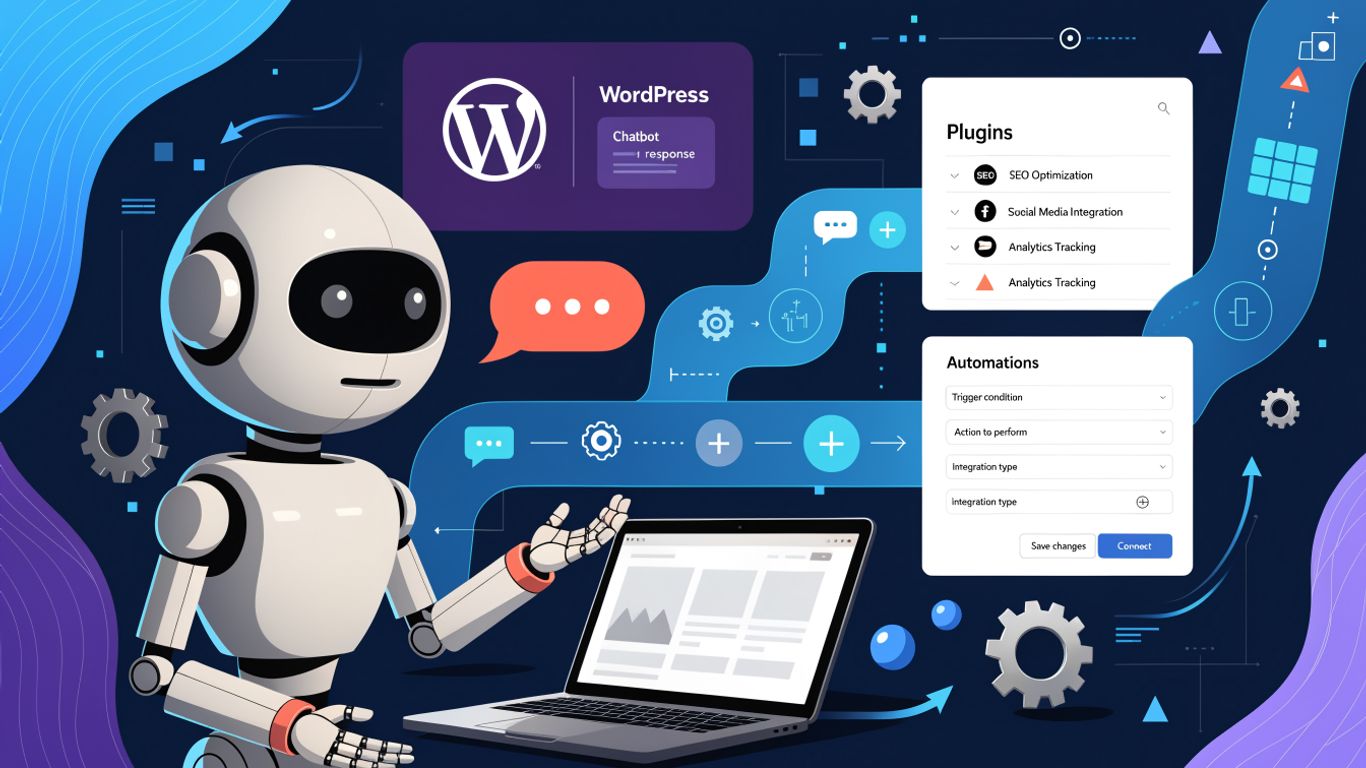
Uncanny Owl has added a Model Context Protocol (MCP) server to its free Uncanny Automator plugin, allowing compatible AI assistants to work with WordPress sites. The company says users can manage site content through chat and create automations that continue running after a conversation ends, with controls over what the AI can access.
Key takeaways
- The MCP server connects WordPress to AI apps including ChatGPT, Claude and Gemini.
- Users can ask an AI to manage site content and connected services, or create recurring automations called recipes.
- Access can be restricted by tool, integration, action and plugin ability, with an activity log of AI requests.
- The free plan has daily usage limits; paid plans include unlimited tool use and additional automation features.
For site owners considering AI, the announcement combines conversational control with workflows that can keep running in the background. That may be useful for routine operations, but it does not replace the ongoing checks and upkeep involved in a WordPress maintenance plan.
How the WordPress MCP server works
Uncanny Automator is available as a free WordPress plugin. Its MCP server connects a site to supported AI apps, letting users issue requests in plain English. The company says the AI can work with posts, pages, products, courses, users and plugins, as well as services such as Mailchimp and Google Sheets through Automator’s integrations.
The plugin includes more than 250 skills intended to help AI assistants use WordPress tools and popular plugins, including WooCommerce, LearnDash and WPForms. The company also says users can ask for analysis of areas such as sales, SEO and learning activity without first exporting reports for review.
Recipes turn requests into ongoing automation
A key distinction in Uncanny Automator’s offering is its built-in automation engine. Users can describe a workflow and have the AI create a recipe, or build one in the visual editor. Recipes combine triggers, conditions and actions, then run when specified events occur or on a schedule. Logs are available for reviewing each run.
The company lists more than 440 actions across over 130 plugins and apps in the free version, with larger libraries on paid plans. That range could help teams reduce repetitive work, though automated changes still need sensible testing and oversight—particularly on a live business site.
Permissions, pricing and maintenance considerations
Uncanny Owl says connections use encryption and that site owners can switch individual tools, integrations, actions and plugin abilities on or off. AI assistants do not receive shell access or direct access to files or the database, according to the company. Its hosted connection service records requests and results for 90 days, with credentials removed, and stores connection tokens encrypted.
The free plan allows up to 300 tool uses a day for the first seven days, then 150 per day. Paid Basic, Plus and Elite plans offer unlimited usage and additional automation capabilities. For any WordPress care plan, introducing AI tools is another reason to keep permissions, backups, updates and site activity under regular review; automation can help with tasks, while maintenance helps protect the site they run on.